
Maintenance Tips for Gadgets to Keep Them Running Like New
To keep your gadgets running like new, you’ll need to focus on regular cleaning, battery care, and software updates. Use microfiber cloths for screens, maintain battery levels between 20-80%, and install system updates promptly. Store devices in cool, dry places, invest in quality protective cases, and keep them away from food and drinks. These basic practices are just the start of maximizing your device’s lifespan and performance.
Essential Cleaning Practices for Electronic Devices
While many people focus on keeping their gadgets charged and updated, proper cleaning is just as essential for maintaining device performance and longevity. To protect your devices from dust and moisture, you’ll need to establish regular cleaning and storage best practices.
Start by using a microfiber cloth to gently wipe screens and surfaces, removing fingerprints and smudges that can degrade your display over time. For hard-to-reach areas like keyboard crevices and charging ports, use compressed air to blast away debris. When cleaning, avoid liquid cleaners unless they’re specifically designed for electronics, and never spray solutions directly onto your devices.
Store your gadgets in clean, dry environments using protective cases or covers when they’re not in use, and always keep them away from food and drinks.
Protecting Your Battery Life and Performance
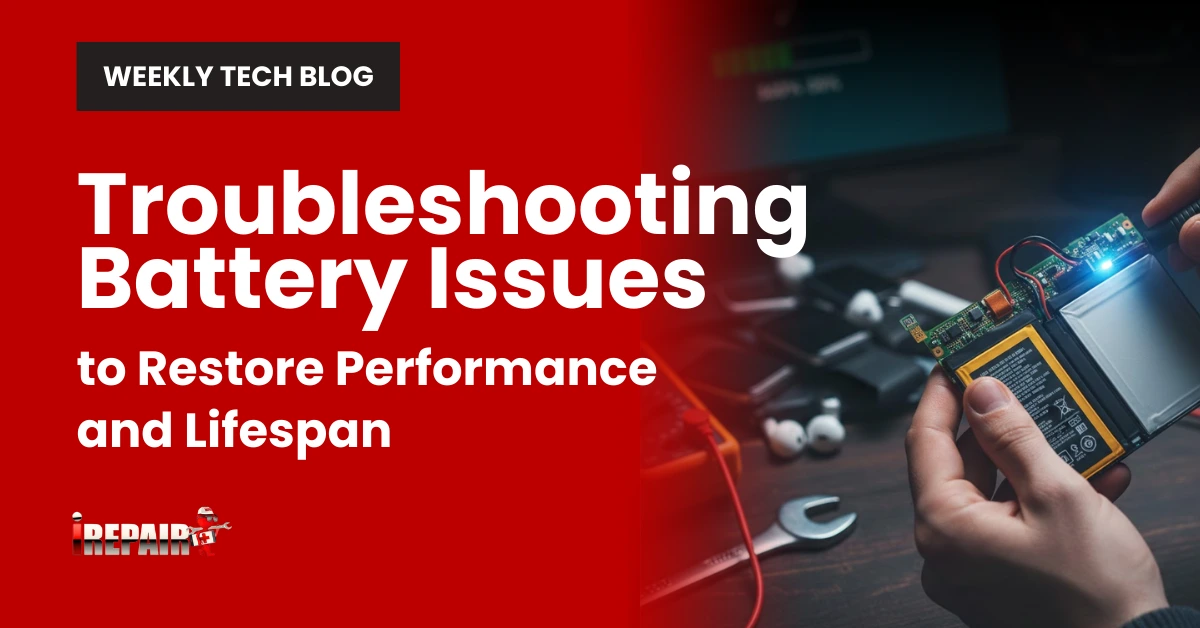
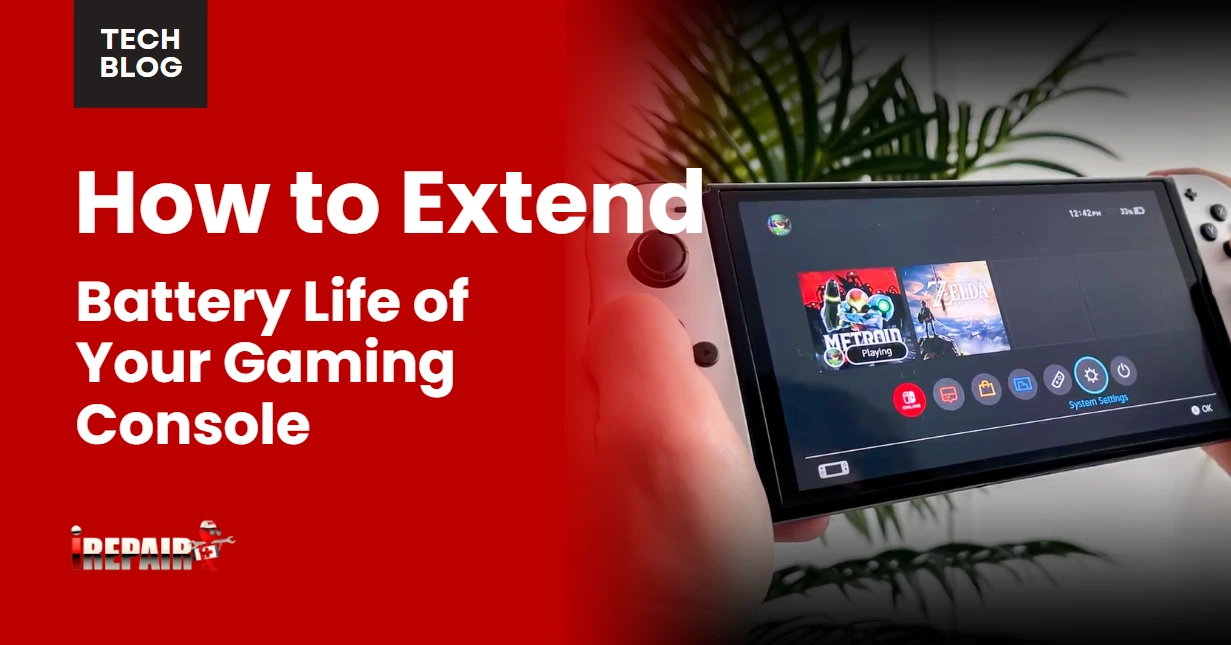
A device’s battery health directly impacts its overall performance and longevity. To maintain essential battery health and charging habits, keep your device’s charge level between 20% and 80%, avoiding both complete discharges and overnight charging sessions.
Always use manufacturer-certified chargers and cables to prevent damage to your device’s charging port and internal components. It’s pivotal to prevent overheating in gadgets while charging by removing protective cases and placing them on hard, flat surfaces that allow proper ventilation.
Don’t charge your devices in direct sunlight or high-temperature environments, as heat accelerates battery degradation. If you notice your device getting unusually warm during charging, immediately unplug it and let it cool down before investigating the cause.
Software Updates and Security Maintenance
Regular software updates serve as your device’s first line of defense against security threats and performance issues. When you postpone these updates, you’re leaving your gadget vulnerable to malware and cyber attacks while missing out on valuable performance improvements.
To maintain ideal device security, enable automatic updates whenever possible. This guarantees you won’t miss critical patches that protect your personal information. If your device doesn’t support automatic updates, create a weekly schedule to check for and install available updates manually.
Remember to update not just your operating system, but also individual apps and antivirus software. These updates often include bug fixes and new features that can enhance your device’s functionality. Don’t forget to restart your device after installing updates to verify they’re properly implemented.
Storage and Temperature Management
Beyond keeping your software current, managing storage space and temperature can make or break your device’s performance. To protect electronics from damage, keep them away from extreme temperatures and direct sunlight, especially in parked cars where heat can soar. Store your gadgets in cool, dry places and use protective cases that allow proper ventilation.
Following essential gadget storage and cleaning tips, regularly clear unnecessary files, photos, and apps to maintain ideal performance. When your device’s storage is nearly full, it can slow down considerably. Consider using cloud storage for large files and keeping at least 20% of your storage space free. Additionally, never block your device’s vents with soft surfaces like blankets or pillows, as this can lead to overheating and potential internal damage.
Physical Protection and Handling Guidelines
Proper physical protection forms the foundation of device longevity. When it comes to gadget maintenance tips, protecting your devices from physical damage should be your top priority. Invest in quality cases and screen protectors that can absorb impact from accidental drops and prevent scratches.
To handle with care, always grip your devices firmly with clean, dry hands and avoid placing them near liquids or food. Don’t force cables into ports or yank them out; instead, hold the connector firmly and insert or remove it gently. When carrying your gadgets, use padded bags or protective sleeves to minimize impact during transport.
Keep your devices away from high-traffic areas where they might get knocked over, and create designated spaces for charging and storage to prevent accidents.
Frequently Asked Questions
How Often Should I Calibrate My Device’s Battery?
You should calibrate your device’s battery every 2-3 months to maintain ideal performance. If you notice inconsistent battery readings or sudden drops in power levels, it’s time to calibrate. To do this, let your battery drain completely until the device shuts off, then charge it to 100% without interruption. Don’t calibrate too frequently, as this can actually stress your battery unnecessarily.
Can Wireless Charging Damage My Device’s Internal Components Over Time?
When used properly, wireless charging won’t damage your device’s internal components. However, you’ll want to be mindful of heat generation, as wireless charging is less efficient than wired charging and produces more heat. To stay safe, always use certified wireless chargers, remove thick cases while charging, and don’t leave your device on the charging pad longer than necessary. If you notice excessive heat, switch to wired charging instead.
What’s the Best Way to Clean Charging Ports Safely?
To clean your charging ports safely, first power off your device. Use compressed air to blow out loose debris, keeping the can upright and spraying in short bursts. For stubborn dirt, gently use a small brush (like a clean toothbrush) or a plastic toothpick. Don’t use metal objects or liquid cleaners, as they can damage the port. If you’re unsure, it’s best to have a professional clean it.
Should I Turn Off My Device Completely When Not Using It?
While you don’t need to completely shut down your device every time you’re not using it, it’s beneficial to do a full restart at least once a week. This helps clear temporary files and refresh system processes. For daily breaks, putting your device in sleep mode is usually sufficient. However, if you won’t be using your device for several days, turning it off completely can help preserve battery life.
How Do I Properly Dispose of Old Gadgets and Their Batteries?
Don’t throw old gadgets or batteries in regular trash; they contain hazardous materials. Instead, locate an electronics recycling center near you or check if stores like Best Buy offer recycling programs. You can also look for manufacturer take-back programs that’ll properly dispose of their products. Before recycling, remember to back up and erase your personal data, and remove batteries if possible. Consider donating working devices to charities.