
Skip to content
”image”
  • Home
  • ServicesExpand
    • All Repair Services
    • iPhone Repair Services​
    • Smartphones Repair Services
  • Support
  • Shop
  • CompanyExpand
    • About Us
    • Contact Us
    • Schedule a Repair
    • Our Team
    • Blog
  • Shopping Cart 0
    • No products in the cart.
My Account
”image”
  • A gamer enjoying a session on their gaming console, surrounded by tips and strategies for saving energy and optimizing power usage to enhance gameplay.

    Save Energy and Play Longer: Tips to Optimize Gaming Console Power Usage

    ByRogelio Gustilo January 14, 2025January 16, 2025

    Optimize your gaming console’s power usage and enjoy longer play sessions by adjusting its power settings. Enable energy-saving features like sleep mode and automatic shutdown to minimize idle power consumption. Manage your game and app…

    Read More Save Energy and Play Longer: Tips to Optimize Gaming Console Power UsageContinue

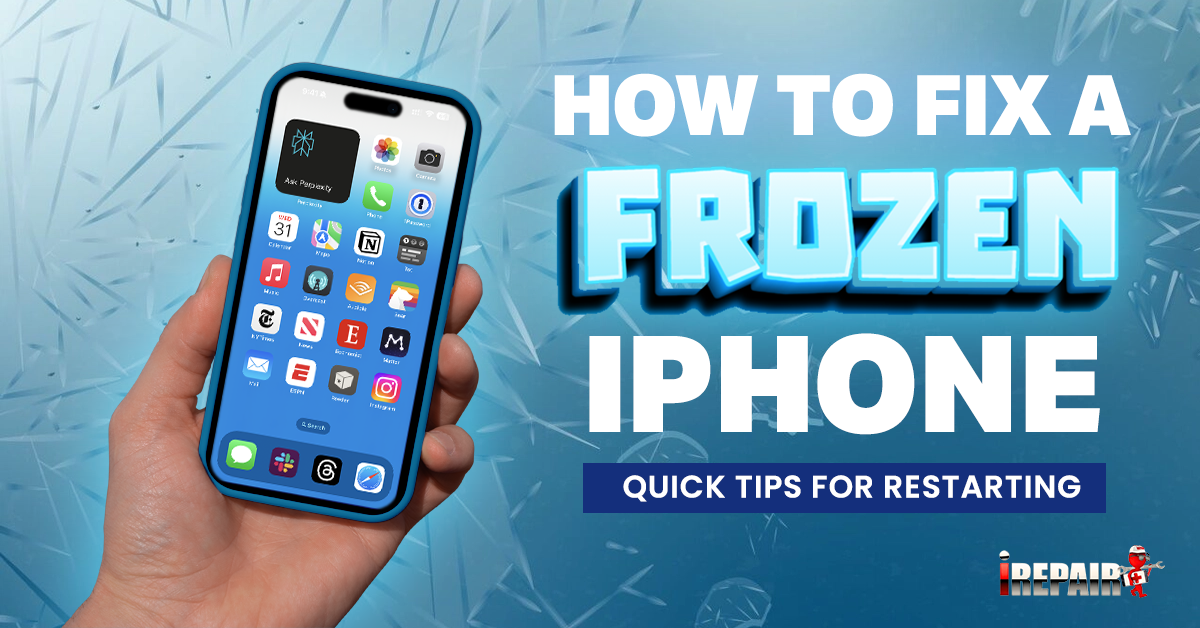
  • Image showing steps to fix a frozen iPhone, including restarting the device, updating software, and checking for app issues.

    How to Fix a Frozen iPhone: Tips for Restarting

    ByRogelio Gustilo January 13, 2025January 16, 2025

    To fix a frozen iPhone, performing a force restart is a good first step. Press Volume Up, Volume Down, then hold the Power button until you see the Apple logo. This won’t erase your data…

    Read More How to Fix a Frozen iPhone: Tips for RestartingContinue

  • "Image illustrating tips to prevent your phone from overheating in extreme heat, including shade, ventilation, and app management strategies.

    Tips to Prevent Your Phone From Overheating in Extreme Heat

    ByRogelio Gustilo January 10, 2025January 16, 2025

    To prevent your phone from overheating in extreme heat, start by keeping it in the shade. Direct sunlight can cause it to overheat quickly. Limit intensive activities like gaming and streaming, as they tax the…

    Read More Tips to Prevent Your Phone From Overheating in Extreme HeatContinue

  • Image depicting the real cost considerations for repairing a broken phone screen, including parts, labor, and potential hidden fees.

    What Is the Cost to Repair a Broken Phone Screen?

    ByRogelio Gustilo January 9, 2025January 13, 2025

    Repairing a broken phone screen can cost anywhere from $50 to over $300, depending on the phone model, screen type, and repair service you choose. Flagship models like those from Apple or Samsung generally have…

    Read More What Is the Cost to Repair a Broken Phone Screen?Continue

  • "Image illustrating organized device accessories, featuring neatly arranged chargers, cables, and earbuds on a desk.

    Essential Christmas Tips: Organizing Your Device Accessories for the Festive Season

    ByRogelio Gustilo January 6, 2025January 13, 2025

    Get your device accessories holiday-ready with a few simple tips. Start by decluttering and sorting your chargers, cables, and earbuds. Keep only what you need and organize them using boxes or organizers for a tidy…

    Read More Essential Christmas Tips: Organizing Your Device Accessories for the Festive SeasonContinue

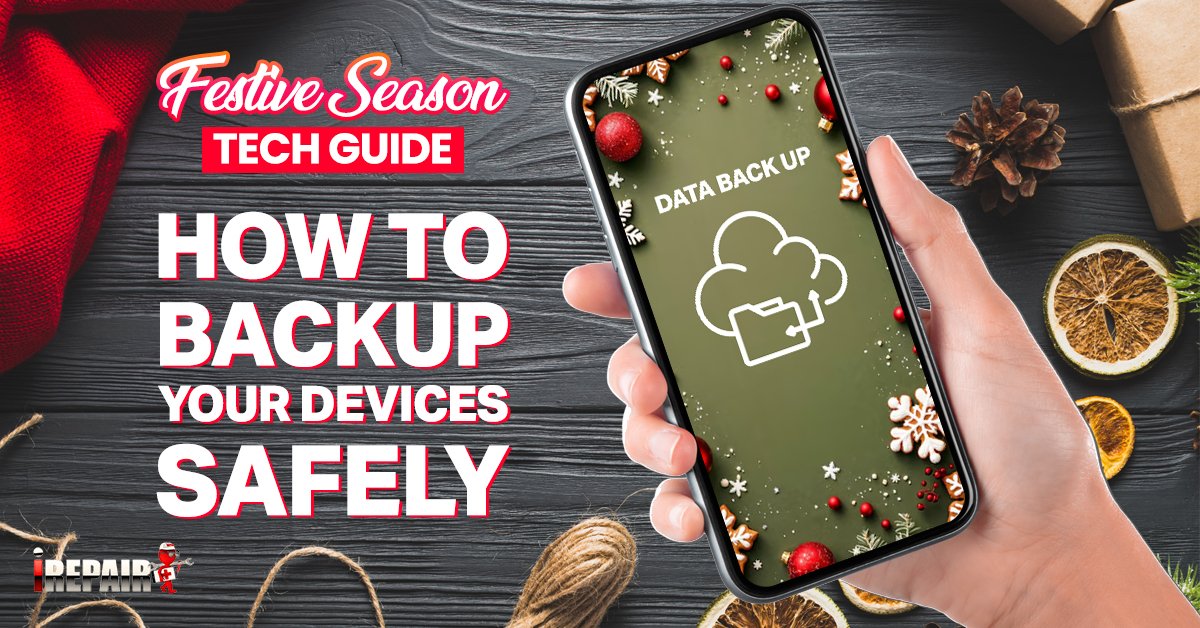
  • Image showing a guide to safely backing up devices during the festive season, featuring a laptop and smartphone with holiday decorations.

    Festive Season Tech Guide: How to Backup Your Devices Safely

    ByRogelio Gustilo January 6, 2025January 13, 2025

    Start the festive season with peace of mind by safely backing up your devices. First, decide what’s essential: photos, videos, documents, and apps. Choose your backup method—cloud storage offers convenience and automatic updates, while external…

    Read More Festive Season Tech Guide: How to Backup Your Devices SafelyContinue

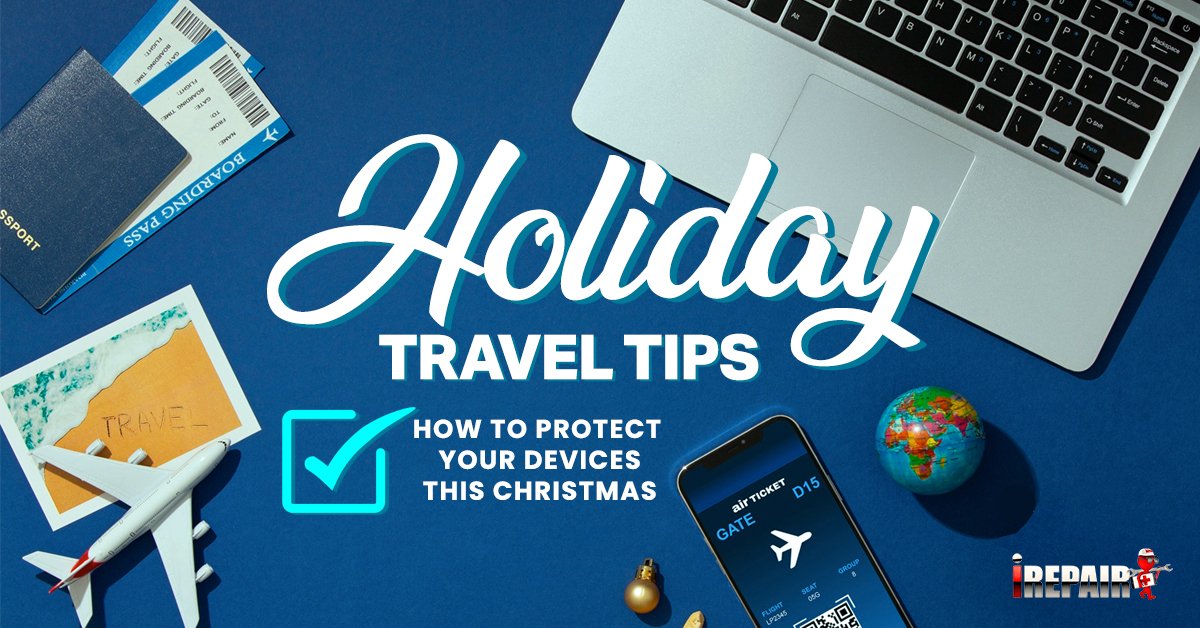
  • Image illustrating tips for protecting your device during holiday travel, featuring a smartphone and suitcase with holiday-themed elements.

    Holiday Travel Tips: How to Protect Your Devices This Christmas

    ByRogelio Gustilo January 6, 2025January 13, 2025

    To keep your devices safe during holiday travels, start by securing Wi-Fi connections with a VPN and avoid auto-joining public networks. Use complex passwords and enable two-factor authentication for extra security. Ensure device tracking features…

    Read More Holiday Travel Tips: How to Protect Your Devices This ChristmasContinue

Page navigation

Previous PagePrevious 1 … 10 11 12
”image”
Facebook X TikTok Instagram Linkedin

Repair Services

  • Repair Services
  • Iphone Repair Service
  • Smartphones Repair Service

Product Categories

  • iPhone Repairs
  • Samsung S Series Repairs
  • iPad Repairs
  • iPad Pro Repairs
  • iPad Air Repairs
  • iPad Mini Repairs
  • iWatch Repairs
  • iMac Repairs
  • MacBook Pro Repairs
  • MacBook Air Repairs
  • Scholarship

Get to Know Us

  • About Us
  • Contact Us
  • Repairs
  • My account
  • Privacy Policy
  • Terms and Conditions
  • Scholarship

Copyright 2023 © iRepair LLC. All right reserved. Powered by Fixflow.ai

payment
  • Home
  • Services
    • All Repair Services
    • iPhone Repair Services​
    • Smartphones Repair Services
  • Support
  • Shop
  • Company
    • About Us
    • Contact Us
    • Schedule a Repair
    • Our Team
    • Blog